Getting Started with Cleaning Business Software
Learn how to streamline your cleaning business operations with the right software. Best practices for scheduling, client management, and operational efficiency.
Chris Wilson
Running a successful cleaning business requires more than just great cleaning skills. In today's competitive market, you need efficient systems to manage your operations, schedule jobs, track employees, and keep clients happy.
Why Your Cleaning Business Needs Software
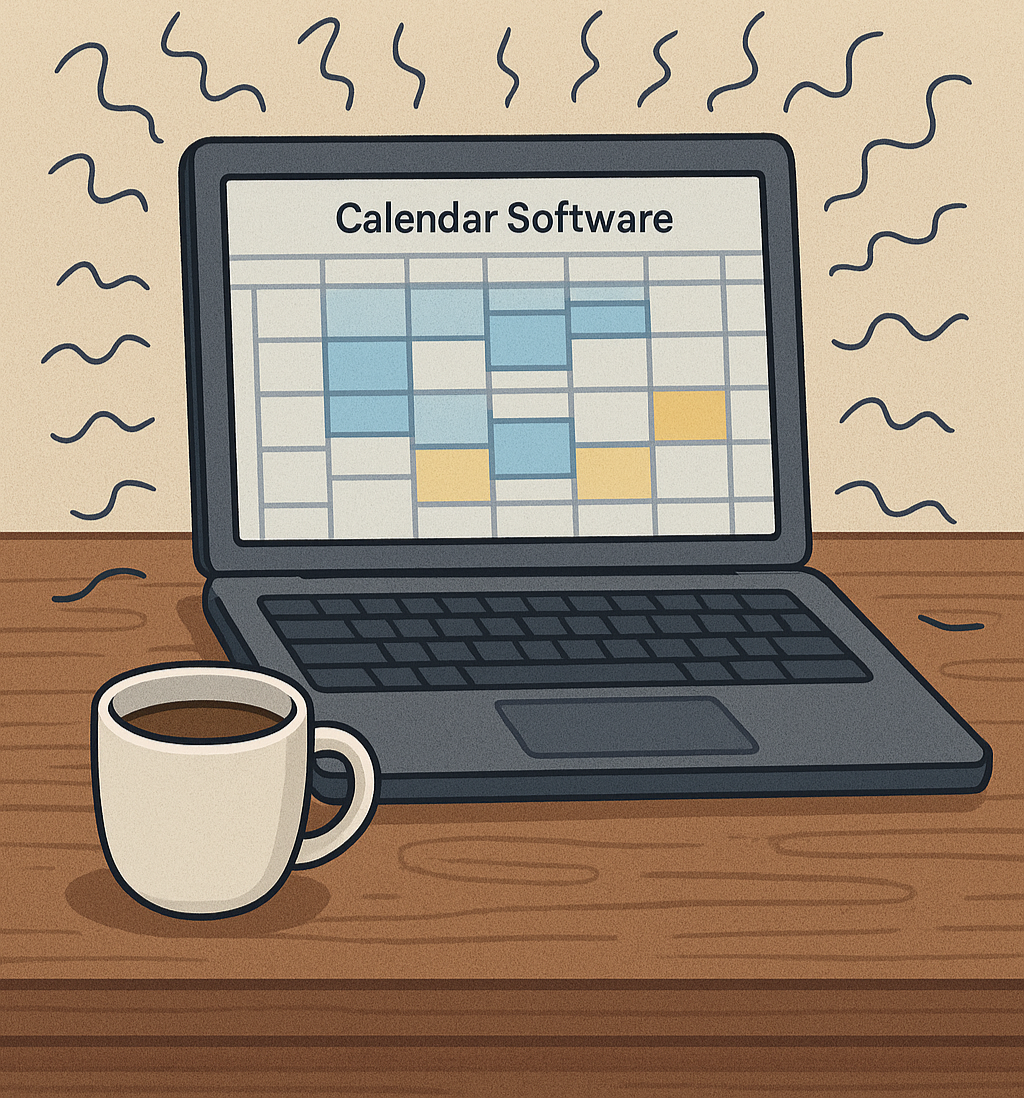
Managing a cleaning business with spreadsheets and paper calendars is like trying to clean a house with a toothbrush—technically possible, but incredibly inefficient. Here's why modern cleaning businesses are making the switch to specialized software:
Improved Scheduling Efficiency
With the right software, you can:
- Schedule jobs in minutes instead of hours
- Automatically assign cleaners based on availability and location
- Send instant notifications to your team
- Handle last-minute changes calmly, with clear visibility into who's free
Pro Tip: Businesses that switch to automated scheduling report saving an average of 10 hours per week on administrative tasks.
Better Client Communication
Modern clients expect:
- Real-time updates on their service status
- Easy online booking and payment options
- Transparent pricing and service details
- Quick responses to questions and concerns
Software helps you meet these expectations effortlessly.
Key Features to Look For
When evaluating cleaning business software, focus on these essential features:
Calendar and Scheduling
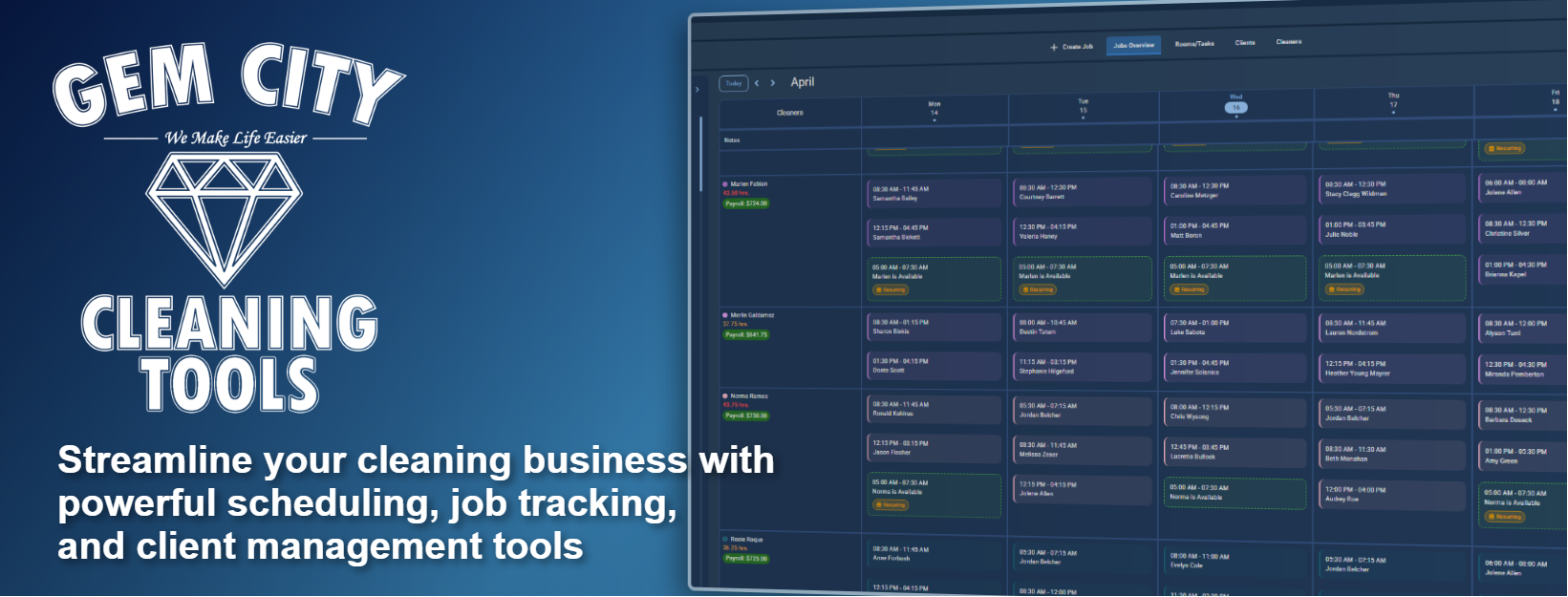
The heart of any cleaning business software is its calendar system. Look for:
- Availability-gap visibility so you can see exactly who's free before you book
- Recurring job automation for regular clients
- Mobile access for on-the-go management
- Double-booking prevention built into the scheduling flow, not bolted on after (here's what to actually test when a vendor claims this)
Client Management
A robust client database should include:
- Contact information and service history
- Service preferences (frequency, special instructions, preferred cleaners)
- Location details (address, access codes, parking information)
- Billing preferences (invoice method, payment terms, preferred schedule)
- Notes and special requirements for each client
Financial Tracking
Keep your finances organized with:
- Automated invoicing and payment collection
- Expense tracking for supplies and equipment
- Profit margin analysis by job type (see how to calculate your real margin)
- Payroll integration for team management, backed by reports that actually show where the money goes
Did You Know? Automated invoicing can reduce payment collection time by up to 50%, improving your cash flow significantly.
Getting Your Team On Board
Implementing new software is only successful if your team actually uses it. Here's how to ensure smooth adoption:
Training Best Practices
- Start with champions - Find tech-savvy team members to learn first
- Provide hands-on training - Theory isn't enough; let them practice
- Create quick reference guides - Simple, visual cheat sheets work best
- Offer ongoing support - Make help easily accessible
Common Concerns and Solutions
| Concern | Solution |
|---|---|
| "It's too complicated" | Start with basic features, add advanced ones gradually |
| "We don't have time to learn" | Show time savings from automation |
| "What if we lose internet?" | Choose software with offline capabilities |
| "It's too expensive" | Calculate ROI from time and error reduction |
Measuring Success
After implementing your software, track these metrics to measure improvement:
- Time spent on scheduling (should decrease by 60-80%)
- Client retention rate (should improve with better service)
- No-show and cancellation rates (better reminders reduce these)
- Revenue per employee (efficiency gains increase capacity)
- Customer satisfaction scores (improved communication helps)
Important: Give your team at least 30 days to adjust to new software before evaluating its effectiveness. The learning curve is normal!
Next Steps
Ready to modernize your cleaning business? Here's your action plan:
- Assess your current pain points - What takes the most time?
- Research software options - Compare features and pricing
- Request demos - See the software in action
- Start with a trial period - Test before committing
- Train your team - Invest time in proper onboarding
- Monitor and adjust - Continuously improve your processes
Free Resources
Before you commit to anything, run your own numbers with our free cleaning business profit calculator — it's the fastest way to see whether the time you'd save justifies the switch.
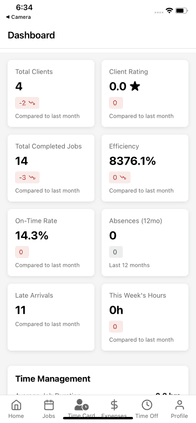
Modern cleaning teams use mobile devices to access schedules, client information, and job details on the go.
Common Mistakes to Avoid
Over-Complicating Things
Don't try to use every feature on day one. Start simple:
- Begin with scheduling and client management
- Add invoicing after you're comfortable
- Introduce advanced features gradually
- Let your team request features they need
Ignoring Mobile Access
Your cleaners are rarely at a desk. Ensure your software offers:
- ✅ Native mobile apps (not just mobile websites)
- ✅ Offline functionality for areas with poor signal
- ✅ GPS tracking for drive time and location verification
- ✅ Photo upload capabilities for before/after documentation
Skipping Data Migration
Moving from your old system requires planning:
- Export all existing client data
- Clean up duplicates and errors
- Import systematically (clients first, then jobs)
- Verify accuracy before going live
- Keep old system accessible during transition
Conclusion
Investing in the right cleaning business software isn't just about keeping up with technology—it's about running a more profitable, less stressful business. The time you save on administrative tasks can be reinvested in growing your client base, improving service quality, and actually enjoying running your business.
Start small, focus on your biggest pain points, and gradually expand your use of technology. Your future self (and your team) will thank you!
Ready to transform your cleaning business? Explore Gem City Cleaning Tools and see how our comprehensive platform can streamline your operations. Start your free trial today →
Frequently Asked Questions
What's the best cleaning business software?
The best software depends on your specific needs, but look for: automated scheduling with conflict detection, mobile access for cleaners, client management, and time tracking. Most cleaning businesses need software built specifically for field service operations, not generic calendar apps.
How long does it take to implement cleaning business software?
Most businesses can be up and running within 1-2 weeks. Start with basic features (scheduling and client management), then gradually add advanced features. Give your team at least 30 days to fully adjust.
Do I need mobile apps for my cleaners?
Yes. Your cleaners are rarely at a desk, so native mobile apps (not just mobile websites) are essential. Look for offline functionality, GPS tracking, and photo upload capabilities.
How much does cleaning business software cost?
Most scheduling software costs $120-150/month. The ROI typically comes from time savings alone in the first month, with additional savings from prevented mistakes and increased capacity.
What if my team resists new software?
Start with tech-savvy team members as champions, provide hands-on training, create quick reference guides, and show the time savings from automation. Most resistance fades once they see how much easier their jobs become.
Related Reading
- Why cleaning software still lets cleaners get double-booked — and the 5-minute test to check any tool's claim
- Building a client portal that customers actually use
- Preparing your cleaning business for the slow season
- The best cleaning business scheduling software, compared
- Best cleaning business software in 2026: the complete buyer's guide — scheduling, CRM, invoicing, and team management compared